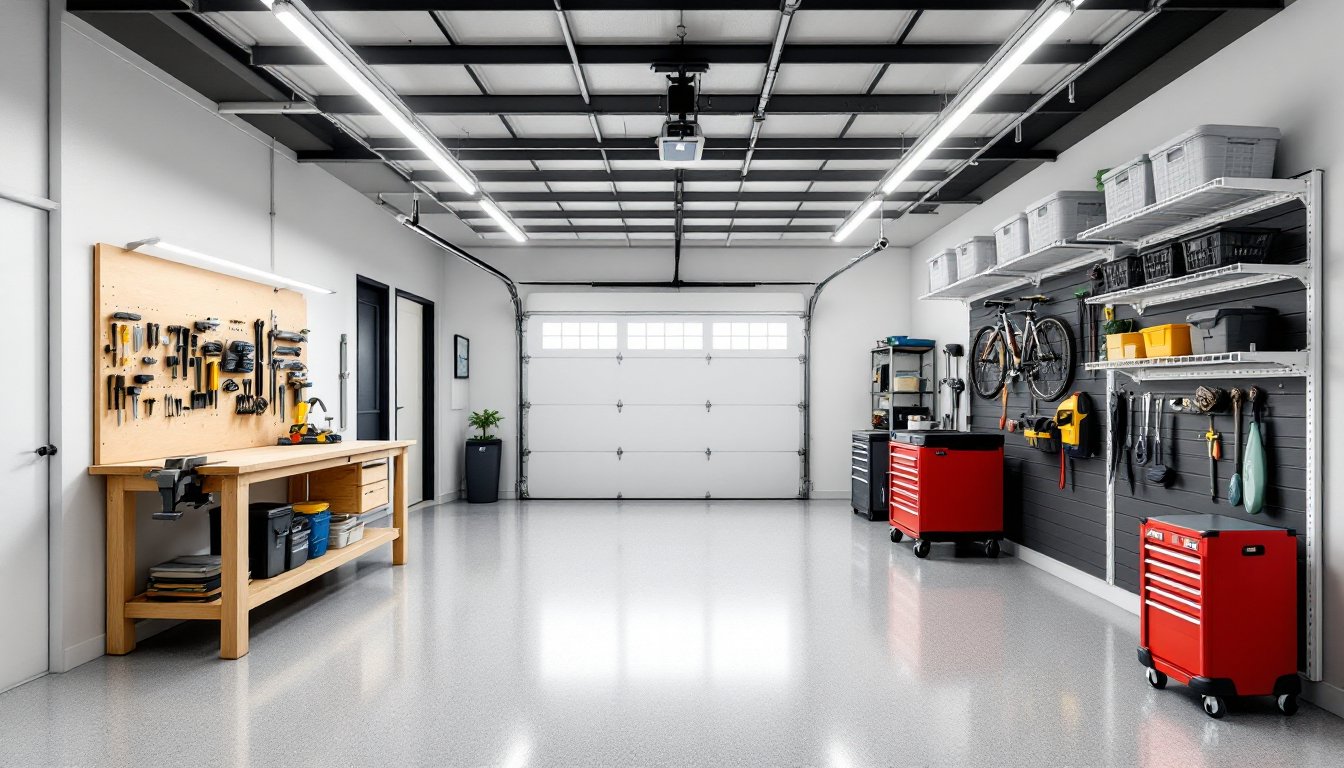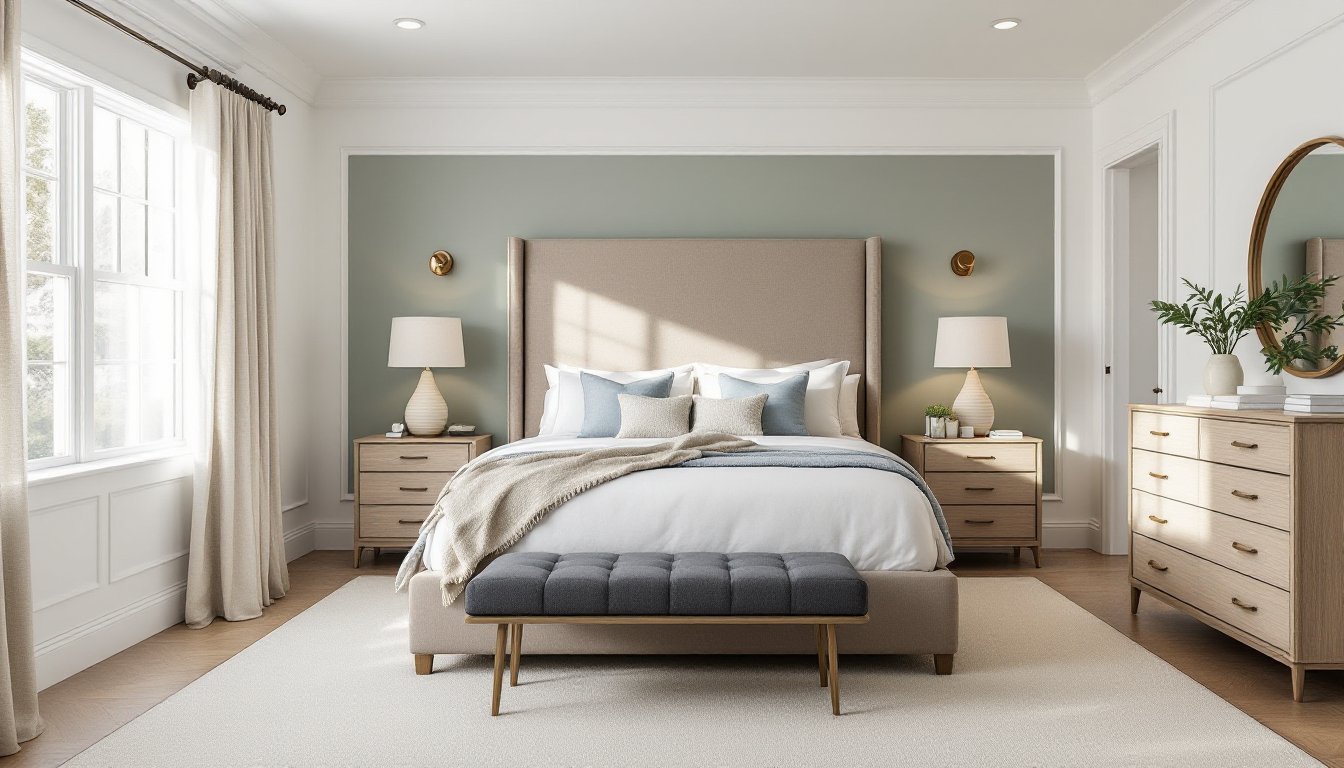
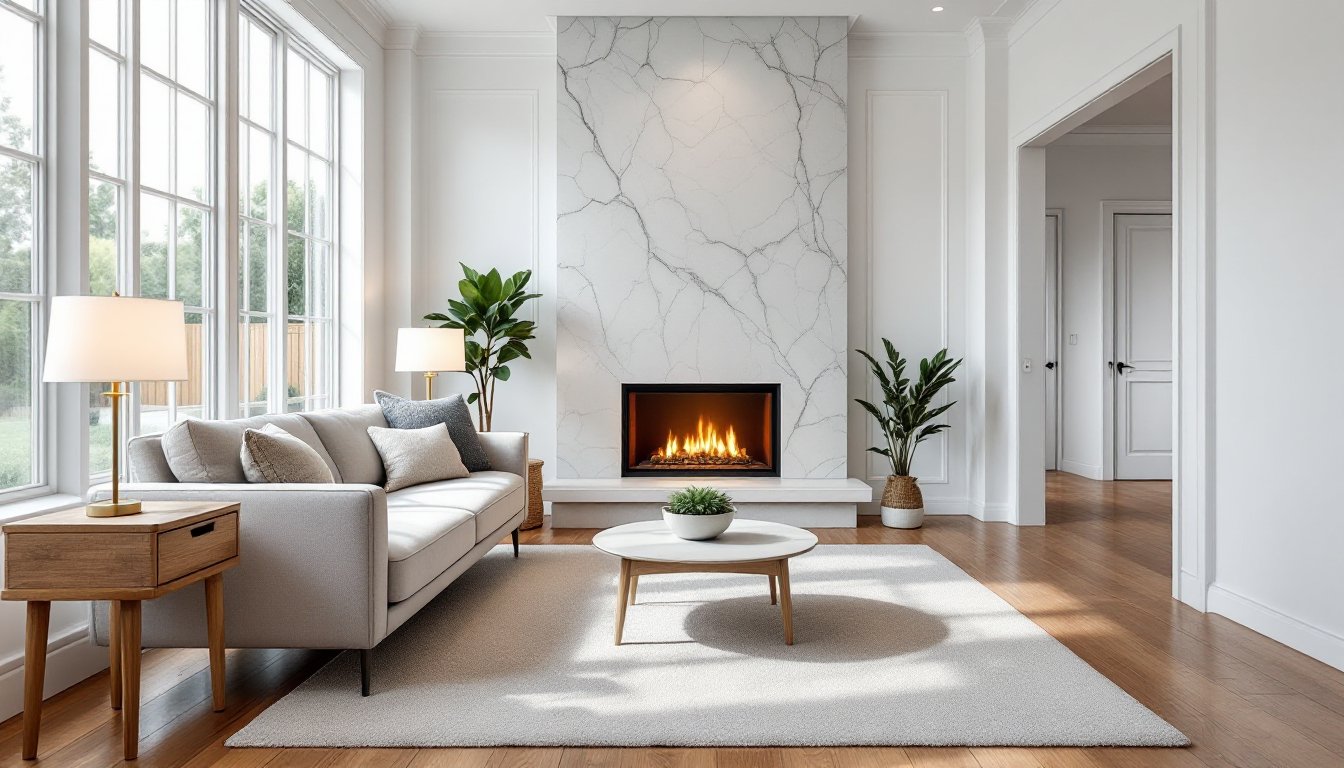
Whether you’re documenting a finished renovation, listing a rental property, or showcasing a room refresh on social media, knowing how to photograph interiors makes the difference between “meh” snapshots and images that sell the space. Interior design photography isn’t just for professionals, with the right approach, homeowners and DIYers can capture their work in a way that does it justice. This guide walks through the equipment, techniques, and preparation needed to shoot interiors that look clean, balanced, and inviting, without requiring a studio budget or years of photography experience.
Table of Contents
ToggleKey Takeaways
- A DSLR or mirrorless camera with a wide-angle lens (16–35mm) and sturdy tripod are essential for interior design photography that captures balanced, distortion-free images.
- Proper lighting control—whether through natural light, consistent color temperature bulbs, or HDR bracketing—separates professional interior photos from amateur snapshots.
- Thorough decluttering, deep cleaning, and straightening vertical lines before the shoot eliminate common distractions and ensure your interior design work looks polished and intentional.
- Editing should correct exposure, white balance, and perspective rather than over-process; interior photography should accurately represent the space, not exaggerate it.
- Always shoot from chest to eye level on a tripod to avoid blur, perspective distortion, and inconsistent framing across your interior photography series.
Essential Camera Equipment for Interior Photography
A smartphone camera can work in a pinch, but for images with proper exposure control and minimal distortion, a DSLR or mirrorless camera is the baseline. Look for models with good low-light performance (ISO range up to at least 3200) and manual mode capability.
The lens matters more than the camera body. A wide-angle lens (16–35mm range for full-frame cameras, or 10–24mm for crop sensors) captures the full scope of a room without backing into a wall. Avoid ultra-wide fisheye lenses, they create unnatural barrel distortion that warps walls and furniture. A 24mm lens is a solid all-around choice for most interior work.
Invest in a sturdy tripod with adjustable legs and a ball head. Interior shots often require slower shutter speeds to balance ambient and artificial light, and handholding will introduce blur. Look for one that extends to at least eye level and collapses small enough to maneuver in tight spaces.
Optional but helpful: a bubble level (hot shoe mount or built into the tripod) keeps vertical lines straight, and a remote shutter release eliminates camera shake from pressing the button. If shooting in tight quarters like bathrooms or hallways, consider a tilt-shift lens to correct perspective distortion, though these run several hundred dollars and aren’t necessary for most DIY documentation.
Mastering Lighting Techniques for Interior Shots
Lighting separates amateur interior photos from polished ones. The goal is even illumination with no harsh shadows or blown-out windows.
Natural Light vs. Artificial Light
Natural light is the easiest starting point. Shoot during the day when indirect sunlight fills the room, overcast skies work better than direct sun, which creates hot spots and deep shadows. Open blinds and curtains fully, but avoid shooting directly into windows: the camera’s sensor can’t handle the dynamic range between bright glass and a darker interior, leaving you with either a silhouette or a white rectangle where the window should be.
For rooms with small or no windows, artificial lighting is unavoidable. Turn on all overhead lights, lamps, and sconces to create ambient fill. Mix bulb temperatures carefully, combining warm incandescent (2700K) with cool LEDs (5000K) creates an orange-and-blue color cast that’s difficult to correct in editing. Swap mismatched bulbs for a consistent color temperature (3000K–4000K is neutral and flattering for interiors).
Many pros use off-camera flash or continuous LED panels to add fill light in dark corners or balance window exposure. Bounce flash off walls or ceilings rather than aiming directly at furniture to avoid harsh shadows. If windows are important to the shot, bracket exposures, take one shot exposed for the interior and another for the view outside, then blend them in post-processing. This technique, called HDR (high dynamic range) photography, is standard in real estate and luxury home design shoots.
Composition and Framing Tips for Interior Spaces
Good composition guides the viewer’s eye and makes a room feel balanced, not cramped or chaotic.
Start by finding the room’s natural focal point, a fireplace, a large window, a kitchen island, or a statement piece of furniture. Frame the shot so that element anchors the composition, using the rule of thirds as a guideline (imagine a tic-tac-toe grid over the frame: place key elements along the lines or at intersections).
Keep the camera at chest to eye level for most shots. Shooting too low makes furniture look imposing: too high flattens the space. For whole-room captures, position the tripod in a corner at about 48–52 inches off the floor, which approximates a standing viewer’s perspective.
Pay close attention to vertical lines, walls, door frames, and windows should run parallel to the edges of the frame. Even a slight tilt makes the room feel off-kilter. Use your camera’s grid overlay and a bubble level to keep things plumb. If you’re shooting with a wide-angle lens and notice walls bowing outward near the edges, step back or use a slightly longer focal length.
Include layers and depth by framing through doorways or including foreground elements like a chair arm or a plant. This creates a sense of scale and dimension. Avoid centering everything symmetrically unless the room itself is formally symmetrical, a little asymmetry feels more natural and inviting. Photographers documenting projects for interior design portfolios often shoot from multiple angles to show how spaces flow together.
Preparing Your Room Before the Photoshoot
A clean, uncluttered space photographs better than a lived-in one. This isn’t about staging like a showroom, it’s about removing distractions that pull focus from the design.
Start with a thorough declutter. Clear countertops, remove visible cords and chargers, tuck away trash bins, and stash personal items like mail, keys, and toiletries. Take down family photos and magnets unless they’re intentional decor elements.
Deep clean surfaces that will be in the shot: dust shelves, wipe down counters, vacuum floors, and clean windows inside and out (smudges and streaks are glaringly obvious in photos). Fluff pillows, straighten rugs, and smooth bedding. If you’ve just finished a renovation, remove all tools, drop cloths, and leftover materials.
Check for visual clutter the camera will catch but your eye might skip: outlet covers that don’t match, painter’s tape left on trim, light switches in the “half-on” position, or crooked artwork. Straighten hanging frames with a level.
Consider minor styling touches to add warmth: a bowl of fruit on the counter, a throw blanket draped over a chair, or a potted plant in the corner. Don’t overdo it, the goal is to show how the space works, not to create a magazine spread. If you’re photographing a colorful interior, make sure accent pieces and decor complement rather than compete with the palette.
Turn off ceiling fans, they’ll show motion blur in photos. Close toilet lids. If there’s a TV, turn it off or display a neutral screensaver: a paused streaming menu looks unprofessional. Finally, check reflections in mirrors and glass surfaces to make sure you or your tripod aren’t accidentally in the shot.
Post-Processing and Editing Your Interior Photos
Editing isn’t about faking the space, it’s about correcting what the camera sees differently than your eye and polishing the final image.
Start with basic exposure and white balance adjustments in software like Adobe Lightroom, Capture One, or even free options like GIMP or Darktable. If the room looks too warm (orange) or too cool (blue), adjust the temperature slider until walls and fabrics read neutral. Increase exposure slightly if shadows are too dark, but avoid pushing it so far that you introduce noise or blow out highlights.
Straighten and crop to fix any perspective issues. Most editing programs have a lens correction tool that automatically fixes wide-angle distortion. Use the perspective or transform tools to ensure vertical lines are truly vertical and horizontal lines level. Crop out any distracting elements at the edges of the frame.
Adjust highlights and shadows separately to recover detail in bright windows or dark corners. Pull down highlights to bring back texture in overexposed areas: lift shadows to reveal detail without making the image look flat. Use the clarity or structure slider sparingly, too much creates an overprocessed, gritty look.
If you bracketed exposures for HDR, merge them in post to balance interior lighting with window views. Software like Photomatix or Lightroom’s HDR merge function handles this automatically, though manual blending in Photoshop gives more control. Professionals shooting for platforms like MyDomaine often use this technique to show both room detail and outdoor views clearly.
Color correction is critical. If one area of the room has a color cast (say, green from a window overlooking trees), use a graduated filter or adjustment brush to neutralize it. Make sure whites look white, not cream or gray.
Finally, sharpen the image slightly and export at appropriate resolution. For web use, 1920–2400 pixels on the long edge at 72 DPI is standard: for print or portfolios, aim for 300 DPI. Avoid over-sharpening, which creates halos around edges and makes images look artificial.
Common Interior Photography Mistakes to Avoid
Even with the right gear and prep, several common pitfalls can undermine interior photos.
Shooting without a tripod. Handheld shots in low light result in blur and make it impossible to bracket exposures or keep framing consistent across a series. Use a tripod every time.
Ignoring vertical lines. Tilted walls and leaning door frames make a space feel unstable and amateurish. Check your level and use perspective correction tools in post.
Over-editing. Cranking saturation, clarity, and contrast to 100% creates an unnatural, garish look. Interior photos should represent the space accurately, not look like an HDR nightmare. If you’re documenting a project inspired by bold design contrasts, let the actual design speak rather than exaggerating it in post.
Mixed lighting temperatures. Combining warm and cool bulbs creates color casts that are difficult to fix. Match all light sources to a single color temperature before shooting.
Forgetting to stage. A pile of shoes by the door or a stack of dishes in the sink pulls focus from the design. Take five minutes to tidy before pressing the shutter.
Shooting too wide. Ultra-wide lenses (below 16mm full-frame equivalent) distort proportions and make rooms look cartoonish. Stick to 16–24mm for most work.
Neglecting the exterior-interior balance. Blown-out windows are a dead giveaway of poor exposure control. Bracket shots or use HDR techniques to show both the room and the view. Designers contributing to publications like Homedit consistently balance these elements for polished final images.
Not shooting from the right height. Too high or too low distorts furniture and makes spaces feel off. Aim for chest to eye level in most cases.
By recognizing these mistakes and correcting them before and during the shoot, homeowners can produce images that showcase their interior design work with clarity and professionalism.